
See how Forex-bit.com’s forex trading platform lineup, execution model, and order handling work across MT4, MT5, web and mobile.
Forex Trading Platform Guide: MT4, MT5, cTrader & More

A forex trading platform is the software traders use to view currency prices, analyze charts, place orders, monitor positions, and manage a forex trading account.
Popular platforms include MetaTrader 4, MetaTrader 5, cTrader, broker-developed web platforms, mobile trading apps, and charting platforms that connect to supported brokers.
However, choosing a forex trading platform involves more than comparing chart layouts or technical indicators. Execution conditions, available instruments, automation tools, order types, mobile access, and broker integration can all affect how a platform performs in actual trading.
The trading platform is the software interface; the broker or dealer is the financial firm that provides the trading account and handles execution. For retail over-the-counter forex, the CFTC notes that traders using an electronic platform generally connect to their dealer rather than directly to a centralized exchange.
To better understand how a forex trading platform works and what traders should consider before choosing one, Forex Bit examines its key features, broker integration, and execution environment below. The following sections compare the main platform options and explain how the broker behind the platform can affect the actual trading experience.
What Is a Forex Trading Platform?
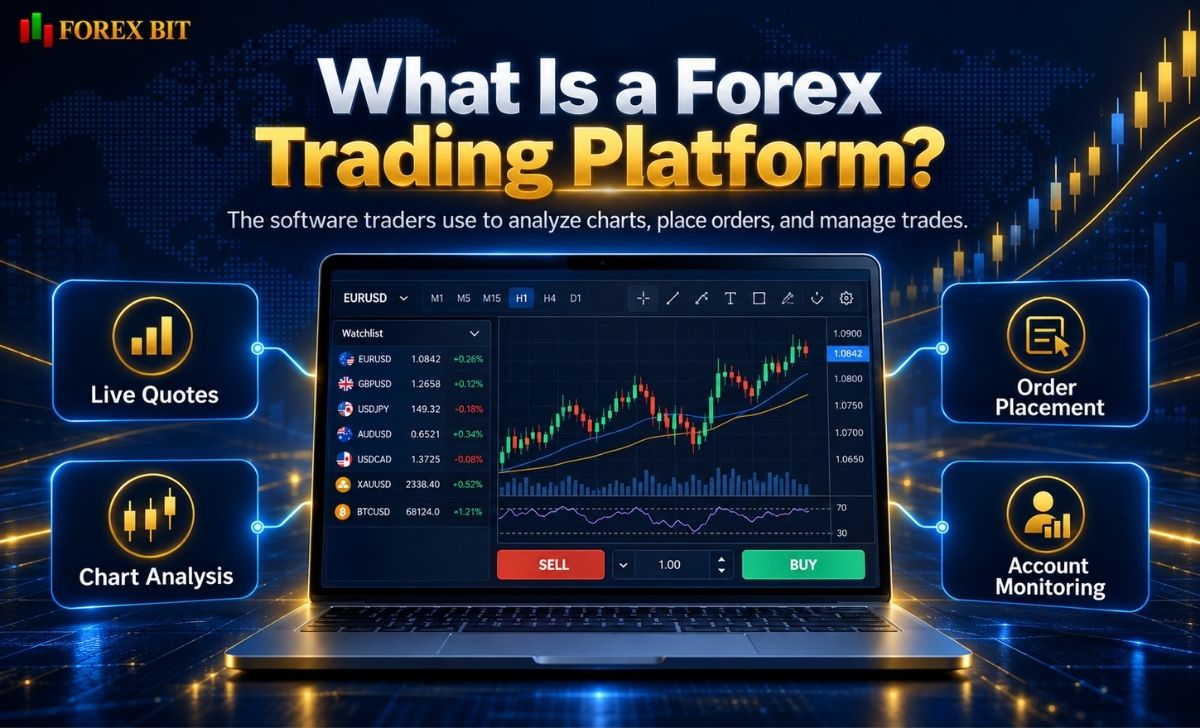
A forex trading platform is a software application that connects a trader’s account to the trading infrastructure provided by a broker or financial service provider.
Depending on the platform and broker, it may allow traders to:
- View real-time forex quotes
- Analyze price charts
- Place buy and sell orders
- Set Stop Loss and Take Profit levels
- Monitor account balance and equity
- Manage open positions
- View trading history
- Use technical indicators
- Run automated trading strategies
- Receive trading alerts
- Access economic or market data
Platforms may be available as:
- Desktop software
- Browser-based web platforms
- Mobile applications
- Tablet applications
Some platforms are developed by independent software companies and offered through multiple brokers. Others are proprietary platforms developed for a particular broker.
Is a Trading Platform the Same as a Forex Broker?
No.
A forex trading platform provides the interface and trading tools, while a broker or dealer provides the account and access to the market or its own OTC trading environment.
For example, MetaTrader is developed by MetaQuotes. Individual brokers can offer MetaTrader to their clients, but the broker determines factors such as:
- Tradable instruments
- Spreads
- Commissions
- Leverage
- Margin requirements
- Execution policies
- Account currencies
- Deposits and withdrawals
This means that two traders can both use MT5 while receiving substantially different trading conditions because their accounts are with different brokers.
The same distinction applies to other third-party platforms such as cTrader and TradingView integrations.
What Features Should a Forex Trading Platform Have?
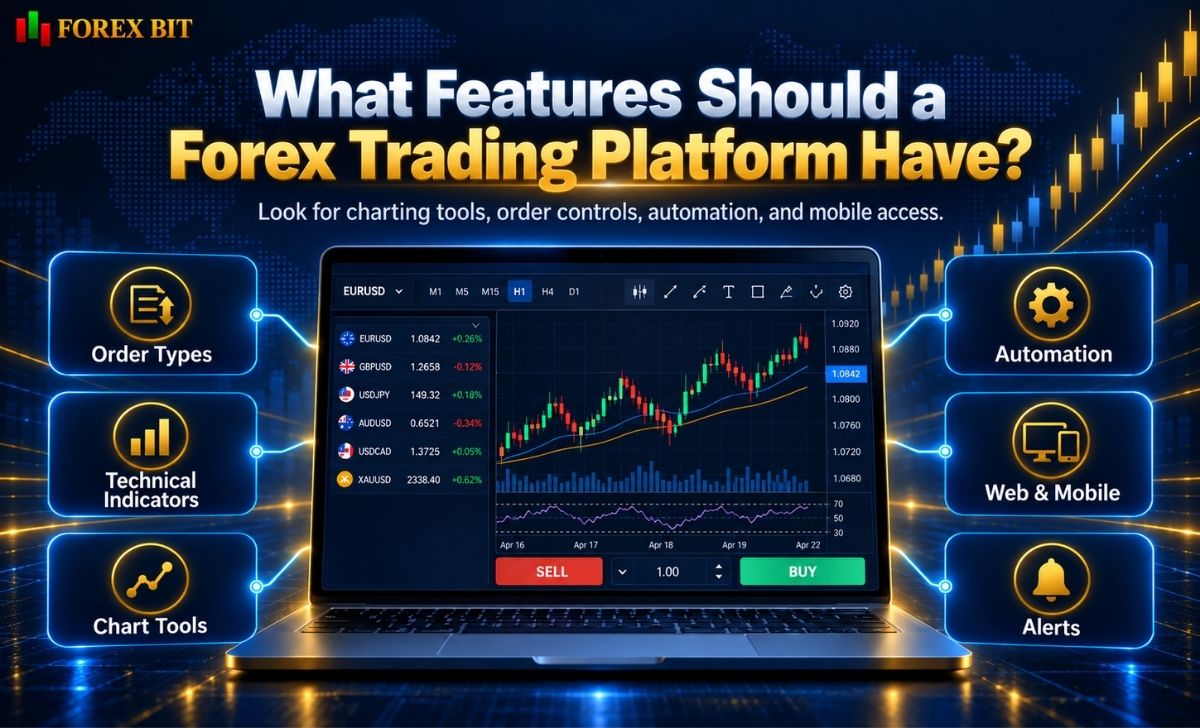
The best platform is not necessarily the one with the greatest number of features.
A suitable platform should provide the tools required by the trader’s actual strategy.
Reliable Order Management
At minimum, traders should be able to:
- Open market orders
- Place pending orders
- Set Stop Loss
- Set Take Profit
- Modify open positions
- Close positions efficiently
Advanced traders may also look for:
- Trailing stops
- Stop-limit orders
- One-click trading
- Partial position closing
- Depth of Market
- Multiple position-accounting modes
MetaTrader 5, for example, supports market, pending and stop orders, multiple execution modes, trailing stops and Market Depth.
Charting and Technical Analysis
A forex trading platform should make it easy to analyze price behavior.
Useful features include:
- Multiple chart types
- Multiple timeframes
- Technical indicators
- Drawing tools
- Custom indicators
- Chart templates
- Multiple chart windows
MT5 currently provides 21 timeframes and more than 80 built-in technical indicators and analytical tools in its desktop platform.
TradingView places particular emphasis on chart analysis through indicators, drawing tools and multi-chart layouts, while also allowing users to connect supported broker accounts through its trading interface.
Automated Trading
Algorithmic traders should check whether the platform supports automated strategies.
Common examples include:
- Expert Advisors
- Trading robots
- Custom scripts
- Strategy backtesting
- Optimization
- APIs
MetaTrader 4 supports Expert Advisors and automated forex trading through its ecosystem.
MetaTrader 5 uses the MQL5 environment for developing, testing and optimizing trading robots.
cTrader provides cBots for automated trading and currently supports development workflows using C# or Python.
Cross-Device Access
Many traders want the ability to move between:
- Desktop
- Browser
- Smartphone
- Tablet
The exact functionality may differ between versions.
For example, MetaTrader 5 offers desktop, web and mobile access. Its web version provides real-time quotes, order placement, Market Depth and technical-analysis tools without requiring desktop software installation.
Before choosing a platform, verify whether the features you need are actually available on the device you plan to use.
MT4 vs MT5 vs cTrader vs TradingView: What Is the Difference?
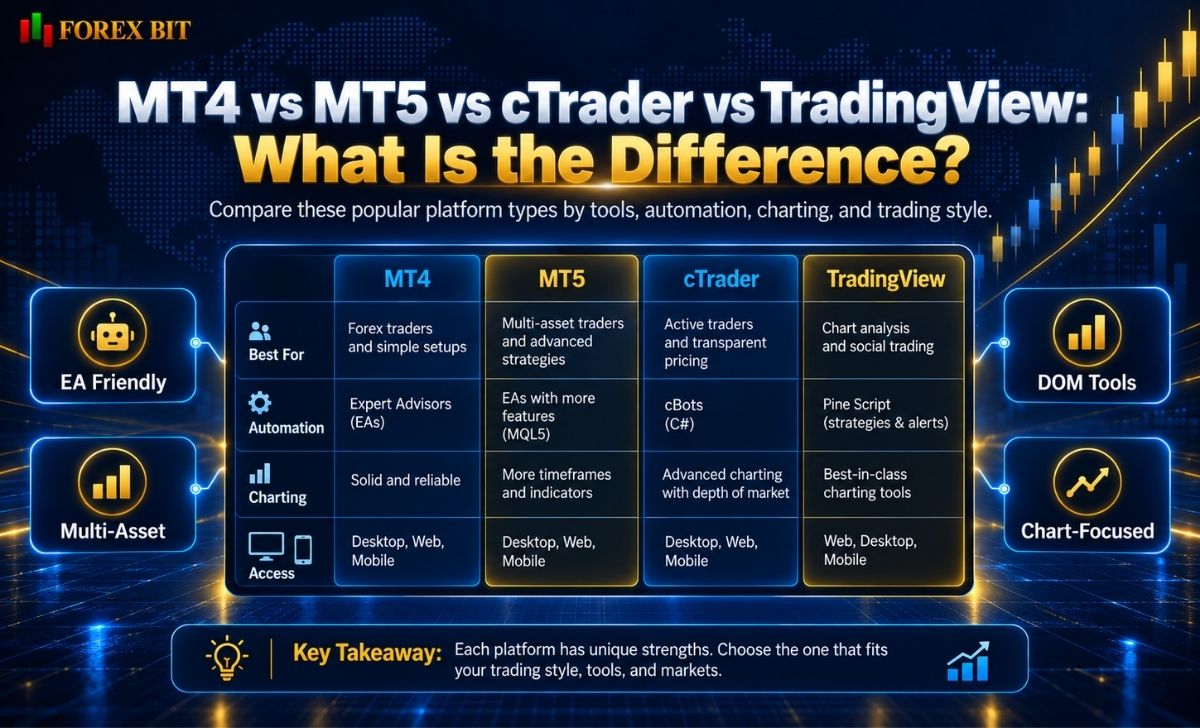
Four names frequently encountered when researching a forex trading platform are MetaTrader 4, MetaTrader 5, cTrader and TradingView.
They are not identical products and should not be treated as interchangeable.
| Feature | MT4 | MT5 | cTrader | TradingView |
| Primary strength | Forex trading and EA ecosystem | Multi-asset and advanced trading | Modern trading interface and DOM | Charting and broker integration |
| Automation | Expert Advisors using MQL4 | Expert Advisors using MQL5 | cBots | Depends on broker/integration |
| Market Depth | Limited/broker dependent | Supported | Strong DOM functionality | Depends on connected broker |
| Multi-asset focus | More forex-oriented | Strong multi-asset support | Depends on broker | Broad market charting |
| Web access | Available | Available | Available | Browser-first |
| Mobile access | Available | Available | Available | Available |
| Broker required for live trading | Yes | Yes | Yes | Supported broker connection required |
MetaTrader 4
MetaTrader 4 (MT4) remains strongly associated with forex trading and automated strategies.
MetaQuotes states that MT4 includes:
- Forex trading
- Technical analysis
- Expert Advisors
- Mobile trading
- Trading signals
It supports three execution modes, market orders, pending orders, stop orders and trailing stops.
MT4 can make sense for traders who already use:
- MQL4 Expert Advisors
- Established MT4 indicators
- Existing MT4 templates
- Forex-focused automated systems
Its mature ecosystem remains one of its biggest advantages.
MetaTrader 5
MetaTrader 5 (MT5) is a newer, broader multi-asset platform.
It supports forex as well as stocks and futures where the broker provides those instruments. MetaQuotes also documents features including:
- Market Depth
- Netting and hedging systems
- Four execution modes
- Market, pending and stop orders
- Algorithmic trading
- MQL5
- Extensive analytical tools
For traders building new automated systems or wanting broader market functionality, MT5 may provide more flexibility than MT4.
cTrader
cTrader is another established trading platform with a strong emphasis on modern order management and market-depth tools.
Its official documentation currently describes three forms of Depth of Market:
- Standard DOM
- Price DOM
- VWAP DOM
cTrader also supports automated strategies through cBots. These can analyze markets, open or close trades, and apply programmed risk-management rules.
It may appeal to traders who prioritize:
- Market-depth visibility
- Modern user interface
- Algorithmic development
- More detailed order-book interaction
TradingView
TradingView is somewhat different.
Its core strength is charting and market analysis, but supported brokers can integrate with TradingView so users can connect an account and place trades through the Trading Panel.
TradingView also provides paper trading for practice.
However, not every broker is integrated.
If a broker is unsupported, its live account cannot simply be connected by the trader. TradingView states that broker integration requires technical integration through its supported infrastructure.
How Do Execution, Slippage and Requotes Work on Trading Platforms?
The software interface alone does not determine execution quality.
This is one of the most important corrections to the original Forex Bit article.
A platform such as MT4, MT5 or cTrader can provide the order interface, but actual execution characteristics depend heavily on:
- Broker
- Account type
- Liquidity
- Market conditions
- Execution policy
- Network latency
- Instrument
- Order size
What Is Order Execution?
Execution is the process that occurs after a trader submits an order.
The order may be handled using mechanisms such as:
- Market execution
- Instant execution
- Request execution
- Exchange execution
For example, MT5 software supports four execution modes, but that does not mean every broker offers all four to every client.
The available mode is determined by the trading environment configured by the broker.
What Is Slippage?
Slippage occurs when the execution price differs from the price expected when the order was submitted.
For example:
A trader attempts to buy EUR/USD at:
1.1000
but the order is filled at:
1.1002
The two-pip difference represents negative slippage.
Slippage can also be positive if the trade receives a better price.
It becomes more likely during:
- Major economic announcements
- Rapid market movements
- Low-liquidity periods
- Market gaps
- Large order execution
A platform cannot guarantee that slippage will never occur.
What Is a Requote?
A requote happens when the originally requested price is no longer available and the trading system presents a new price for confirmation.
Whether requotes occur depends largely on the broker’s execution setup.
For this reason, statements such as:
- “MT5 has no requotes”
- “cTrader guarantees zero slippage”
- “ECN platforms always execute at the displayed price”
should not be assumed to be true.
The underlying execution policy matters more than the platform name.
Why Broker Selection Still Matters
For OTC forex traders, the CFTC emphasizes that the electronic trading platform connects the customer to the dealer rather than to a centralized exchange, and the dealer controls the information shown on the platform, including prices.
Therefore, traders should evaluate the broker and the platform together.
Which Forex Trading Platform Is Best for Your Trading Style?
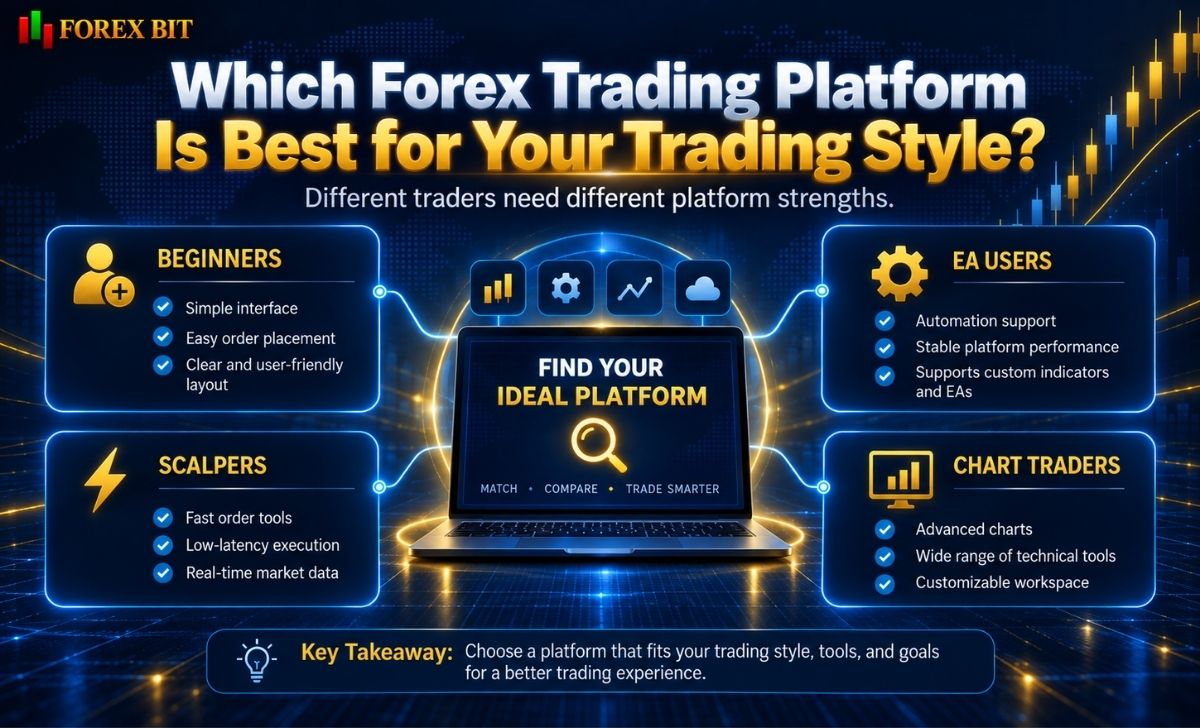
There is no universal best forex trading platform.
The appropriate choice depends on how the trader actually trades.
Beginners
Beginners may prioritize:
- Simple interface
- Demo trading
- Easy order entry
- Stop Loss and Take Profit controls
- Mobile access
- Clear account information
MT4, MT5 and many broker web platforms can all satisfy these requirements.
The more important factor is learning how orders, margin and risk work before trading live.
Scalpers
Scalpers often prioritize:
- One-click trading
- Fast interface response
- Depth of Market
- Tight-spread account compatibility
- Detailed order controls
- Reliable execution
cTrader’s multiple DOM views can be useful for traders who specifically want to inspect available liquidity and manage orders through market-depth interfaces.
MT5 also provides Market Depth and one-click functionality.
However, a sophisticated interface cannot compensate for poor broker execution.
Expert Advisor Users
Existing MQL4 strategies naturally favor MT4.
MetaQuotes continues to position MT4 as a forex-focused platform supporting Expert Advisors and algorithmic trading.
Traders starting a new MetaTrader automation project may also consider MT5 because of its MQL5 environment and more extensive backtesting and multi-asset functionality.
Algorithmic Traders
Algorithmic traders should examine:
- Programming language
- Backtesting
- Optimization
- API availability
- VPS or cloud execution
- Logging
- Historical data
- Broker execution policies
Potential choices include:
- MT4 → MQL4
- MT5 → MQL5
- cTrader → cBots using supported development tools
cTrader documentation currently describes both local and cloud cBot instances, with availability varying by application.
Chart-Focused Traders
Traders primarily interested in technical analysis may prefer platforms with:
- Large indicator libraries
- Multiple layouts
- Drawing tools
- Easy watchlists
- Cross-device synchronization
TradingView is particularly chart-oriented and allows users to connect supported brokers without leaving the charting environment.
How to Choose a Safe and Reliable Forex Trading Platform
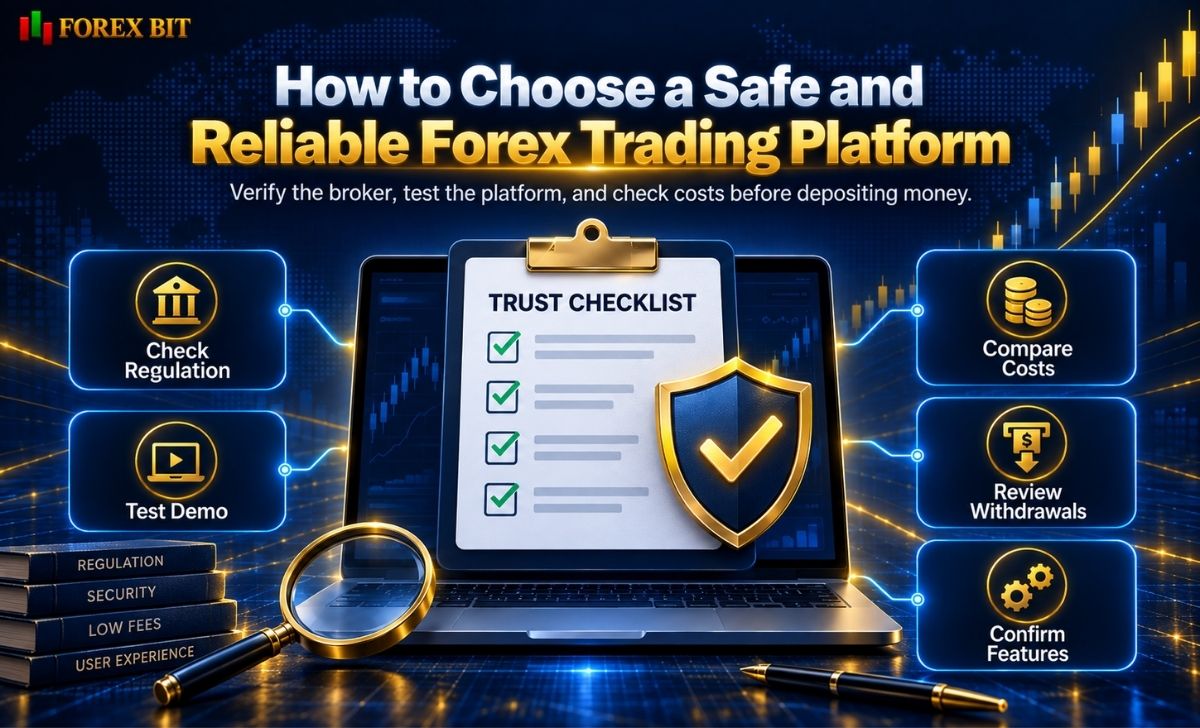
A polished interface does not prove that a forex service is legitimate.
This is particularly important because fraudulent operators can use professional-looking software.
The CFTC specifically warns that unregistered offshore dealers have used popular trading software to appear legitimate and, in some cases, manipulated trading data displayed to customers.
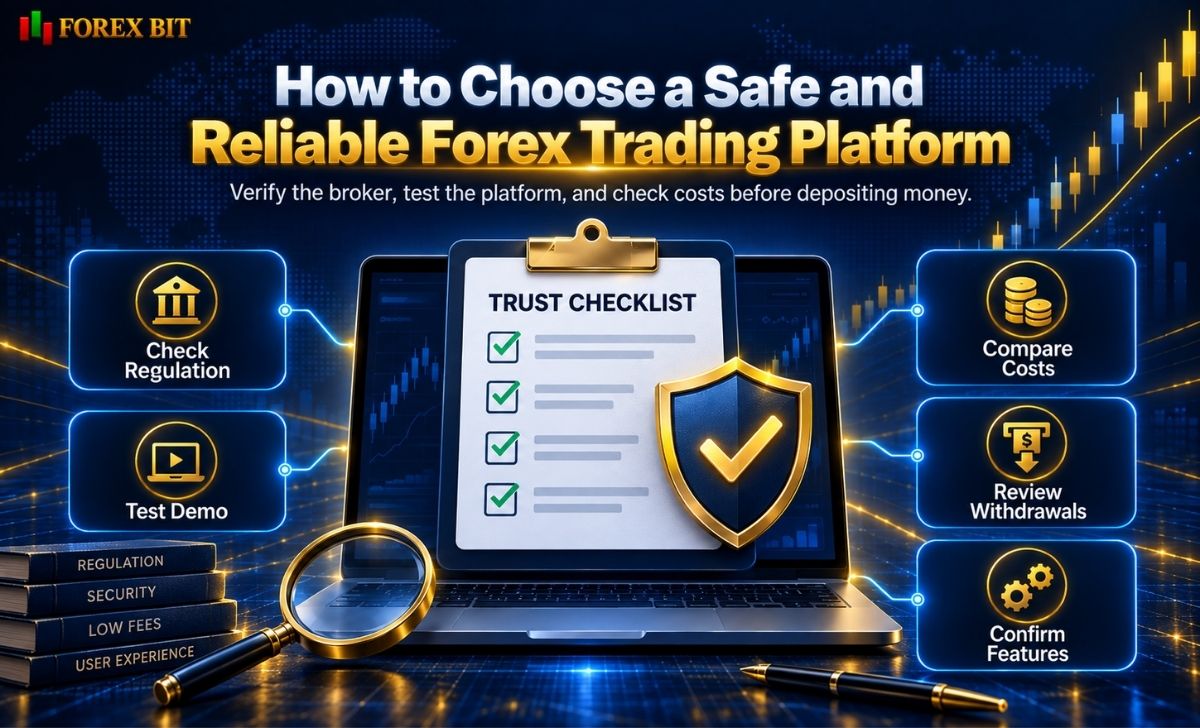
Before depositing money, evaluate both the platform and the broker behind it.
1. Identify the Broker Behind the Platform
Determine:
- Legal company name
- Regulatory entity
- License or registration
- Country of incorporation
- Which entity will hold your account
Do not rely solely on a trading-platform logo.
2. Verify Regulation Independently
Use the relevant regulator’s own database.
For U.S. forex dealers, for example, the CFTC recommends verifying registration and disciplinary history through CFTC/NFA resources before depositing funds or providing sensitive personal information.
Other jurisdictions have their own regulators and databases.
3. Test a Demo Account
Before live trading, evaluate:
- Interface
- Chart performance
- Order placement
- Stop-loss controls
- Mobile access
- Platform stability
Demo trading cannot perfectly reproduce live execution, but it is useful for learning the software.
4. Check Platform Availability Through the Broker
Do not assume that because MT5, cTrader or TradingView supports a feature technically, your broker provides that feature.
Verify:
- Platform version
- Instruments
- Order types
- Hedging/netting mode
- EA or bot support
- Market Depth
- Copy trading
- API access
- VPS availability
5. Review Trading Costs Separately
A forex trading platform does not determine the complete cost of trading.
Compare:
- Spreads
- Commissions
- Overnight financing
- Currency conversion
- Account fees
- Withdrawal charges
These are normally determined by the broker and account structure.
6. Check Deposits and Withdrawals
Before funding an account, understand:
- Deposit options
- Withdrawal methods
- Processing rules
- Fees
- Verification requirements
The CFTC warns traders to be cautious when an unregistered dealer delays withdrawals or requests additional payments before releasing customer funds.
Conclusion
Choosing a forex trading platform means finding one that fits your trading needs while also checking the broker’s regulation, execution conditions, and trading costs. MT4, MT5, cTrader, and TradingView each offer different features, so traders should compare them based on their strategy, experience, and preferred tools. Forex Bit provides educational information to help traders understand these differences, but does not operate a trading platform, execute trades, or hold customer funds.
Isabella Brown is the Forex Trading Guide Manager at Forex Bit, focusing on educational content about broker safety, trading costs, account types, platforms, and key Forex/CFD concepts. Her work helps readers understand trading terms, broker conditions, and practical checks before evaluating or using a brokerage service.
Email: [email protected]


Best Brokers

Trade with the world’s largest retail broker and benefit from better - than - market conditions.

We offer a superior trading environment that puts traders in the best position to profit.

Trade with the best trading conditions. WIN THE BEST TRADING ACCOUNT AWARD.

Trade global markets with Interactive Brokers – a highly regulated multi-asset broker built for active and professional investors.






Forex Bit provides independent forex broker reviews, comparisons, guides, and industry news to help traders make informed decisions.
Best Brokers
Metatrader 5 Brokers
Metatrader 4 Brokers
Lowest Spread Forex Broker
Regulated Forex Brokers
Forex Copy Trading
Ctrader Brokers
Best Forex Broker For Beginners