
See how Forex-bit.com’s WebTrader handles orders, execution speed and tools—compare it to MT4/MT5 before you trade.
WebTrader Explained: Browser-Based Forex Platforms

A WebTrader is a browser-based trading platform that lets traders access financial markets without installing desktop software. Users can view prices, analyze charts, place orders, and manage open positions directly through a supported web browser.
To use WebTrader, traders normally log in with an account provided by a compatible broker. The available tools, instruments, and order types depend on the specific platform and broker.
WebTrader is a general term rather than one single product. Popular examples include MetaTrader 5 Web, cTrader Web, proprietary broker platforms, and browser-based services such as TradingView.
Traders should separate the WebTrader interface from the broker that provides the trading account. Forex Bit only provides educational information and does not operate a WebTrader, offer brokerage accounts, execute trades, or hold client funds.
What Is WebTrader and How Does It Work?
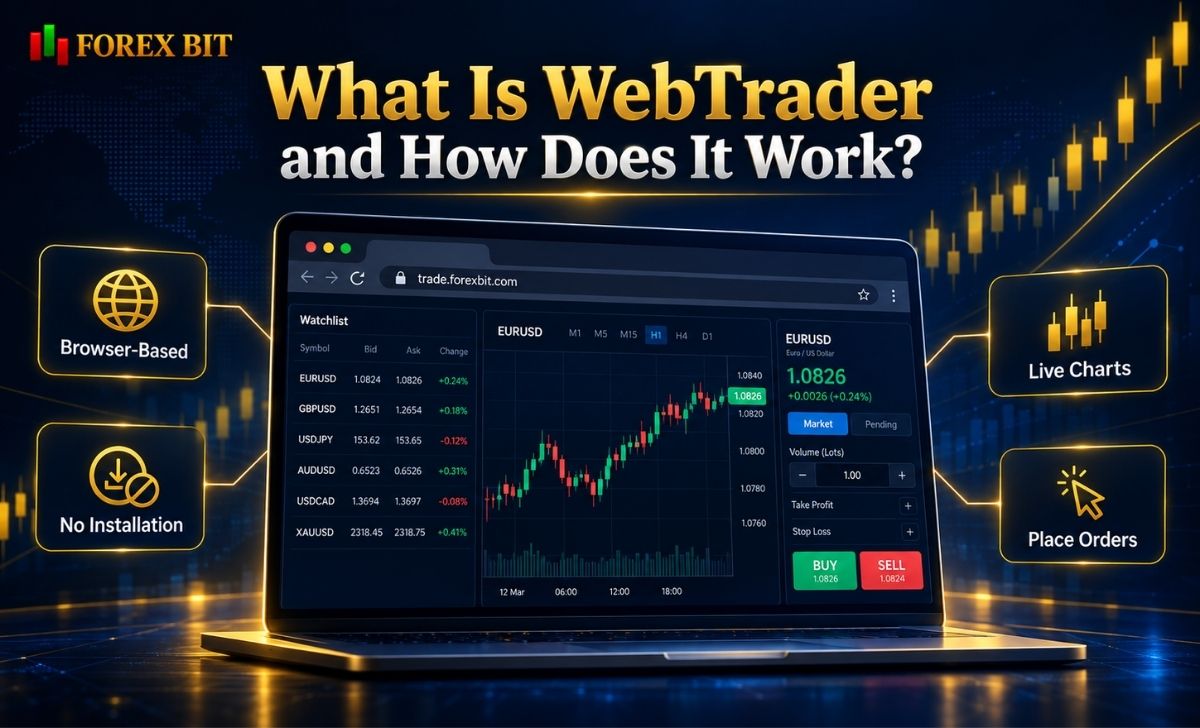
A WebTrader is a trading interface delivered through a web browser rather than installed locally as traditional desktop software.
In a typical setup, the trader:
- Opens the broker’s or platform provider’s web trading page.
- Logs in to a compatible trading account.
- Receives market prices through the platform.
- Opens charts and selects an instrument.
- Creates an order.
- Sends the order through the platform to the broker’s trading infrastructure.
- Monitors the resulting position through the same browser interface.
The browser acts primarily as the user interface.
Depending on the system, functions such as pricing, account information, orders, positions, and trading history are synchronized with the broker or platform infrastructure.
Does WebTrader Require Installation?
Usually not.
Avoiding software installation is one of the main advantages of browser-based trading.
For example, MetaTrader 5 Web is specifically designed to operate through a browser without additional software. MetaQuotes lists support for browsers and operating systems including Windows, macOS, Linux, and mobile environments.
cTrader Web similarly supports current versions of browsers such as Chrome, Firefox, Edge, and Safari across several operating systems.
This makes a WebTrader useful for traders who:
- Use multiple computers
- Use macOS or Linux
- Cannot install trading software
- Need temporary access from another device
- Prefer browser-based workflows
An internet connection is still required.
Is WebTrader the Same as a Broker?
No.
A WebTrader is the software interface, while the broker provides the trading account and underlying trading conditions.
This distinction matters.
The CFTC explains that when retail customers trade OTC forex through an electronic platform, mobile app, or dealer website, they generally connect to the dealer rather than directly to a centralized exchange. The dealer controls important elements of the trading environment, including prices displayed to the customer.
Therefore:
WebTrader ≠ Broker
A visually advanced WebTrader does not automatically indicate that the broker behind it is safe, regulated, or competitively priced.
What Features Do WebTrader Platforms Typically Offer?
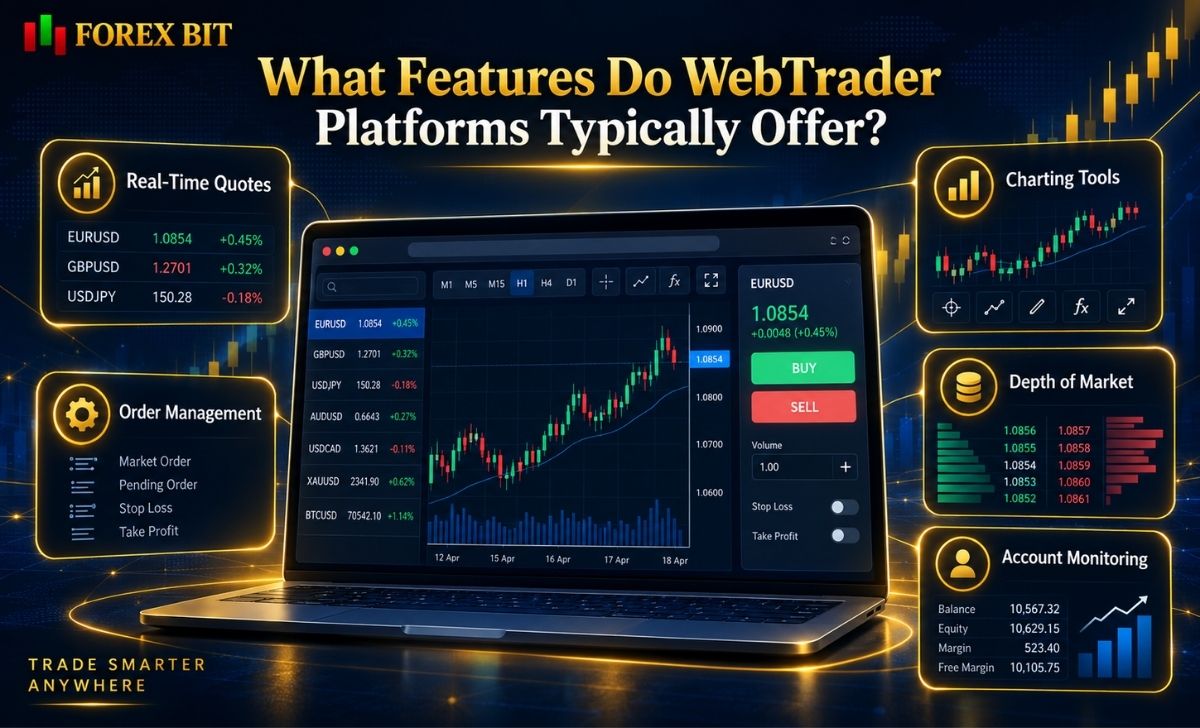
Modern WebTrader platforms can provide many of the same core functions previously associated mainly with desktop terminals.
However, functionality varies substantially between providers.
Real-Time Market Quotes
Most WebTrader platforms provide:
- Bid and ask prices
- Watchlists
- Price changes
- Chart updates
- Instrument information
The exact market data available depends on the broker, platform, asset, and data subscription.
Charting Tools
Common charting functionality includes:
- Candlestick charts
- Line charts
- Bar charts
- Multiple timeframes
- Technical indicators
- Drawing tools
- Chart zooming
- Templates or layouts
MetaTrader 5 Web currently lists 30 technical indicators, 24 graphical objects, three chart types and nine chart timeframes among its browser-based features.
cTrader Web also provides charting, indicators, chart modes, templates, layouts and drawing tools through its web interface.
Order Management
Depending on the platform, traders may be able to use:
- Market orders
- Limit orders
- Stop orders
- Stop-loss orders
- Take-profit orders
- Trailing stops
- One-click trading
MetaTrader 5 Web supports market, pending and stop orders, as well as multiple execution modes configured through the trading environment.
The exact order types available to an individual trader still depend on the broker and the instrument being traded.
Depth of Market
Depth of Market, or DOM, displays multiple buy and sell price levels instead of showing only the best available bid and ask.
Contrary to the old Forex Bit article, DOM is not inherently unavailable on WebTrader platforms.
MetaTrader 5 Web includes Market Depth functionality.
Browser functionality therefore needs to be checked platform by platform instead of assuming that advanced order-book tools require desktop software.
Account Monitoring
A typical WebTrader may show:
- Balance
- Equity
- Margin
- Free margin
- Open profit or loss
- Open positions
- Pending orders
- Trading history
These values originate from the connected trading account rather than from Forex Bit or the browser itself.
WebTrader vs Desktop vs Mobile: What Is the Difference?
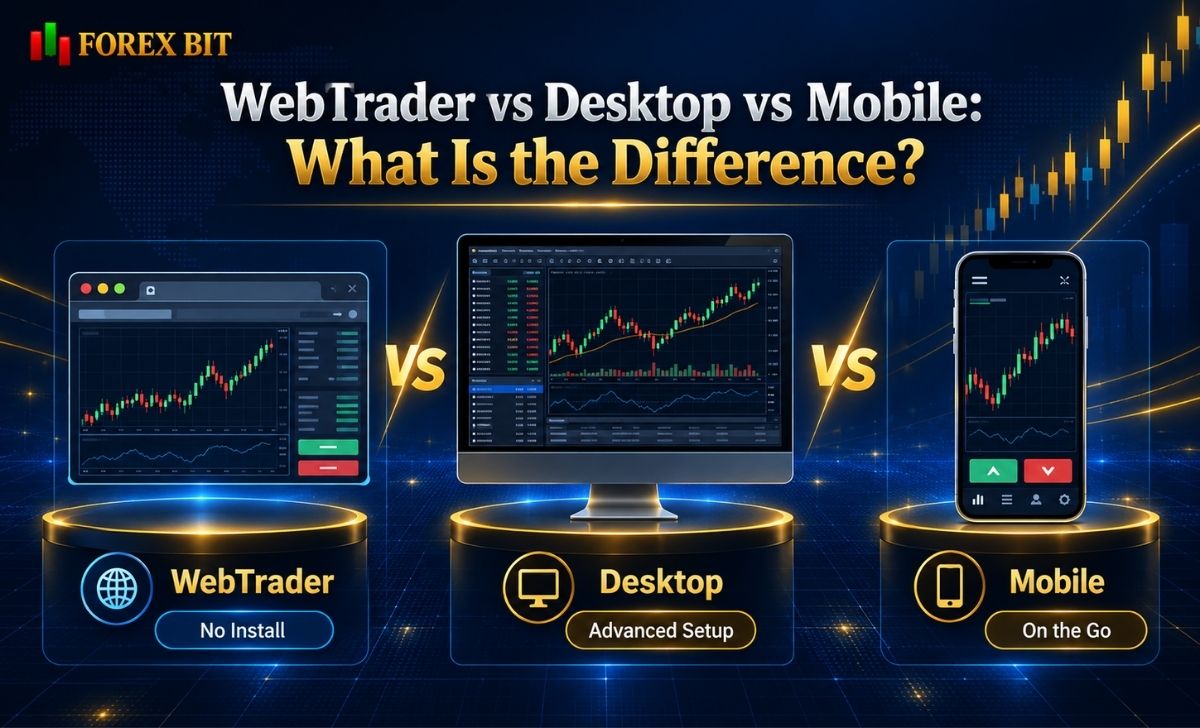
The main difference between WebTrader, desktop terminals, and mobile apps is how the trading software is accessed, not necessarily whether it can execute trades.
| Feature | WebTrader | Desktop Platform | Mobile App |
| Installation | Usually not required | Usually required | App installation |
| Primary access | Browser | PC/Mac application | Smartphone/tablet |
| Portability | High | Lower | Very high |
| Charting | Moderate to advanced | Usually most extensive | Optimized for smaller screens |
| Manual trading | Yes | Yes | Yes |
| Customization | Platform dependent | Usually strongest | More limited |
| Automation | Platform dependent | Usually strongest | Platform dependent |
| Multi-monitor use | Limited by browser setup | Strong | Limited |
| Push notifications | Browser dependent | Desktop dependent | Strong |
These are general patterns rather than universal rules.
When Is WebTrader More Convenient?
WebTrader can be useful when a trader wants:
- Fast access without installation
- Cross-platform compatibility
- Access from several computers
- A clean browser workflow
- Manual trading and monitoring
For example, a trader using Windows at work and macOS at home may access the same compatible browser platform without maintaining two desktop installations.
When Is a Desktop Platform Better?
Desktop platforms can remain preferable for:
- Complex multi-chart setups
- Extensive customization
- Local Expert Advisors
- Custom plugins
- Large multi-monitor workspaces
- Strategy development
- Certain advanced trading tools
However, the difference is becoming smaller.
Browser technology has improved substantially, and modern web platforms can support functionality that older WebTraders did not.
cTrader’s current documentation, for example, describes cTrader Web as including Trade, Copy, Algo and Analyze applications. Its broader feature documentation also references cloud hosting and execution of trading bots.
Therefore, saying that “WebTrader cannot support algorithmic trading” is no longer accurate as a general rule.
What About Mobile Trading?
Mobile applications are designed around portability.
They are particularly useful for:
- Checking positions
- Receiving notifications
- Monitoring prices
- Modifying orders
- Closing positions away from a computer
WebTrader offers portability as well, but a full browser interface may provide more screen space for chart analysis than a phone.
The best combination may therefore involve using desktop or WebTrader for deeper analysis and mobile for monitoring.
How Do Execution, Slippage and Requotes Work on WebTrader?
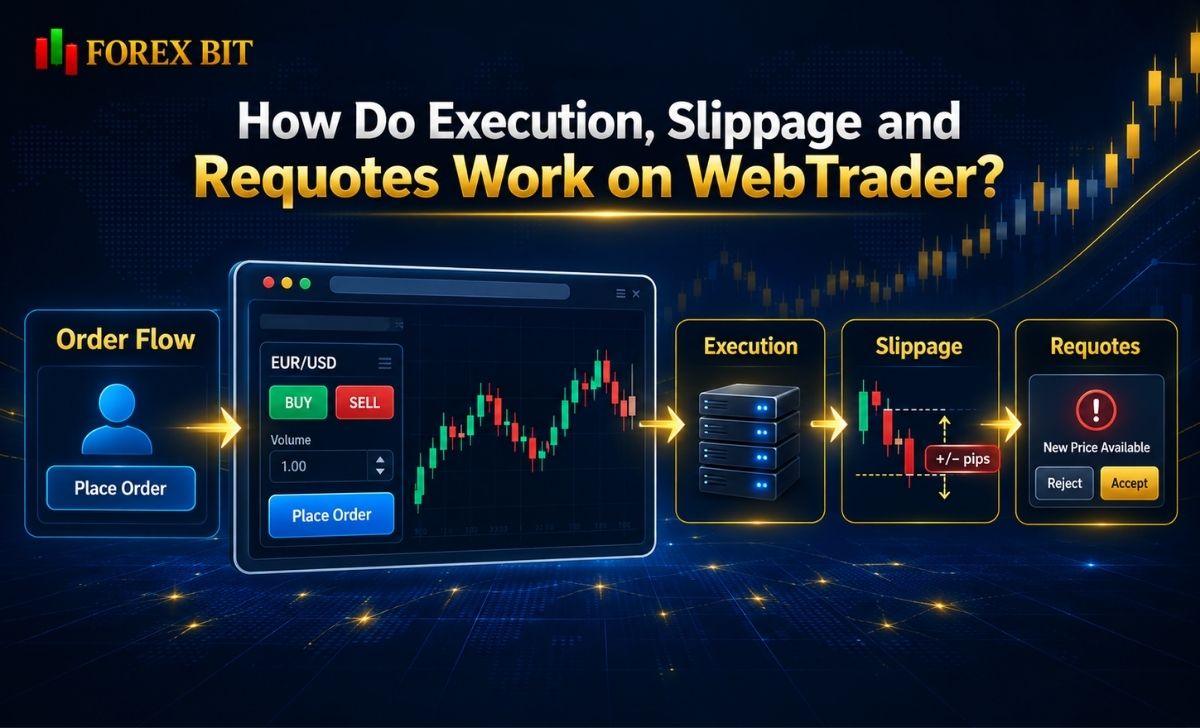
One of the biggest problems in the original article was attributing a specific execution model to “Forex-bit.com WebTrader.”
A WebTrader does not automatically determine the execution model.
Execution depends on the platform configuration, broker, account, instrument, liquidity, and market conditions.
What Happens When You Place an Order?
A simplified process looks like this:
Trader → WebTrader → Broker/Trading Infrastructure → Execution → Confirmation
The trader creates the instruction in the browser.
The platform sends that instruction to the connected trading infrastructure.
How the order is handled from there depends on the broker and its execution setup.
What Is Slippage?
Slippage occurs when an order is filled at a price different from the price seen or expected when the order was submitted.
For example:
Displayed EUR/USD price:
1.1000
Actual execution:
1.1002
The difference is two pips.
Slippage can be negative or positive.
It may become more likely during:
- High volatility
- Economic announcements
- Low liquidity
- Market gaps
- Rapid price movements
- Large orders
Using a WebTrader rather than desktop software does not automatically create or eliminate slippage.
What Are Requotes?
A requote occurs when the originally requested price is unavailable and another price is presented for execution.
Whether requotes occur depends on the trading and execution model.
For example, MetaTrader 5 Web technically supports several execution modes, including Instant, Request, Market and Exchange execution.
The platform’s technical capability should not be confused with what a particular broker enables for a specific account.
Does WebTrader Have Slower Execution Than Desktop?
Not necessarily.
Execution performance can be affected by:
- Internet connection
- Distance to trading servers
- Browser performance
- Broker infrastructure
- Liquidity
- Server load
- Market volatility
- Order size
A desktop terminal cannot guarantee better execution simply because it is installed locally.
Likewise, a browser platform cannot guarantee fast execution merely because it advertises modern technology.
For latency-sensitive strategies, traders should evaluate the broker’s actual execution statistics and test the environment rather than relying on the term WebTrader.
Can WebTrader Be Used for Scalping, Hedging and Automated Trading?
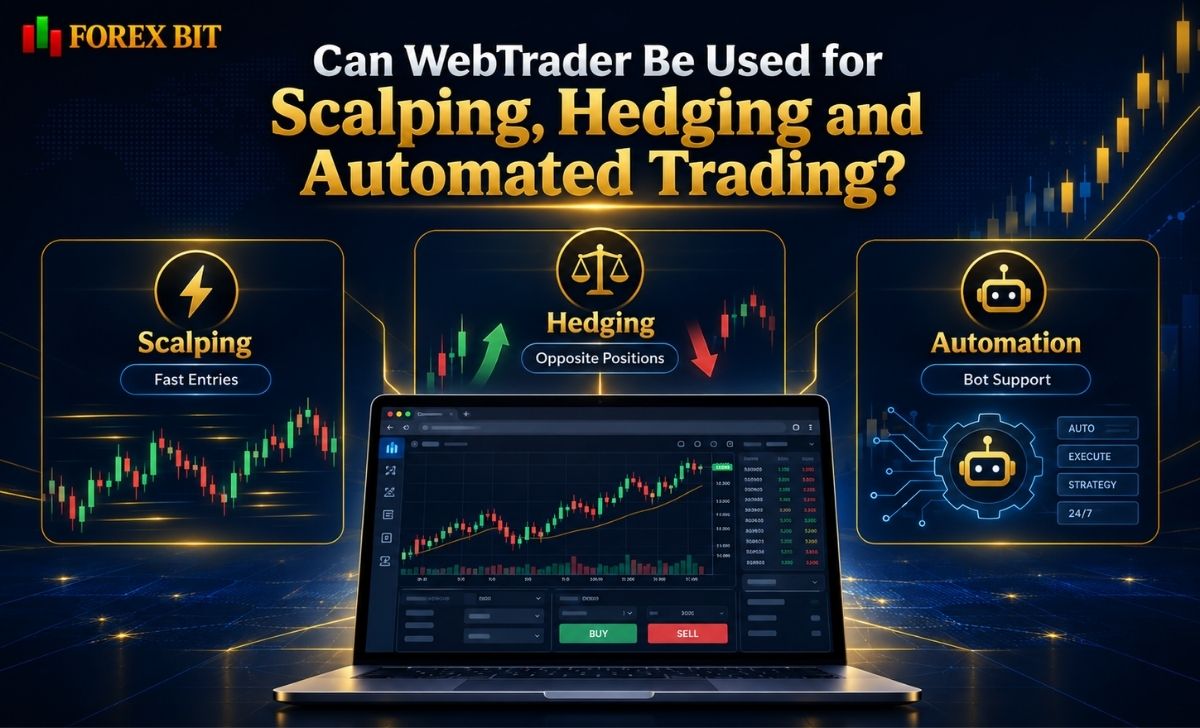
Potentially, yes — but these capabilities depend on both the platform and broker.
Scalping
A WebTrader can technically support scalping if it provides:
- Rapid order entry
- One-click trading
- Responsive charts
- Suitable order controls
- Reliable price updates
However, whether scalping is permitted depends primarily on the broker’s trading policy.
A browser platform itself does not guarantee that high-frequency trading or very short holding periods are allowed.
Hedging
Hedging means holding opposing positions, such as a long and short position on the same instrument.
Whether this is possible depends on:
- Platform position-accounting system
- Broker configuration
- Account type
- Jurisdiction
MetaTrader 5 Web supports both netting and hedging accounting systems technically.
That does not mean every broker enables both.
Can Expert Advisors Run on WebTrader?
There is no universal answer.
Some older browser platforms focus almost entirely on manual trading, while newer platforms offer more automation functionality.
For example, cTrader’s current web ecosystem includes Algo functionality and its documentation describes web-based access to automated trading tools and cloud bot execution.
Other platforms may require:
- Desktop software
- VPS
- Cloud hosting
- API access
- External automation infrastructure
Therefore, traders should check exactly where their algorithm runs.
Does WebTrader Need a VPS?
For ordinary manual browser trading, usually not.
VPS hosting becomes more relevant when a strategy must:
- Run continuously
- Remain active 24/5
- Execute algorithms without a home PC
- Reduce interruptions caused by local internet or power problems
Whether VPS is useful depends on the platform’s automation architecture.
Cloud-hosted strategies may reduce the need to keep a local trading terminal running.
How to Choose a Safe and Reliable WebTrader Platform

The most important WebTrader decision is not simply whether the interface looks modern.
Traders should investigate who operates the trading account behind it.
1. Identify the Broker
Before depositing money, determine:
- Legal company name
- Regulatory entity
- Country of registration
- License or registration number
- Which legal entity will hold the account
A popular platform does not automatically make an unknown broker legitimate.
The CFTC specifically warns that fraudulent or unregistered forex dealers can use well-known trading software to create an appearance of legitimacy.
2. Verify Regulation Independently
Do not rely solely on regulatory badges shown on a broker website.
Check the regulator’s own register where applicable.
The relevant regulator depends on the country and legal entity.
3. Check Which WebTrader Is Actually Being Used
Ask whether the platform is:
- MetaTrader Web
- cTrader Web
- A proprietary WebTrader
- TradingView integration
- Another browser-based system
This helps determine which functions are platform-native and which are broker-specific.
4. Compare Trading Features
Check:
- Charting tools
- Timeframes
- Indicators
- Order types
- One-click trading
- Depth of Market
- Watchlists
- Account statistics
- Automation
- Multiple-device access
Do not assume all browser platforms have the same capabilities.
5. Check Broker Integration
Some browser services act primarily as interfaces.
TradingView, for example, states that traders can connect supported brokers through Supercharts and that TradingView itself does not process those trades; it acts as the interface.
Only supported integrations can be connected directly. TradingView explains that brokers not yet supported need to complete an integration process rather than being added automatically by users.
6. Test With Demo or Paper Trading
Before committing real capital, a demo environment can help traders test:
- Platform navigation
- Chart tools
- Order placement
- Stop Loss and Take Profit
- Position monitoring
- General usability
TradingView, for example, provides Paper Trading using simulated funds for practicing order placement and strategy testing.
Demo performance should not be assumed to reproduce every aspect of live execution.
7. Review Costs and Withdrawals Separately
WebTrader functionality does not determine:
- Spread
- Commission
- Swap
- Leverage
- Minimum deposit
- Withdrawal rules
- Currency conversion costs
These normally come from the broker and account structure.
Always review the broker’s official terms before depositing funds.
Conclusion
A WebTrader lets traders access charts, market prices, orders, and account information directly through a web browser without installing desktop software. Its features and trading conditions depend on the connected broker, so users should evaluate both the platform itself and the broker’s credibility, costs, execution, and regulation. Forex Bit only provides educational information about trading technology and does not operate a WebTrader, offer brokerage accounts, execute trades, or hold client funds.
Isabella Brown is the Forex Trading Guide Manager at Forex Bit, focusing on educational content about broker safety, trading costs, account types, platforms, and key Forex/CFD concepts. Her work helps readers understand trading terms, broker conditions, and practical checks before evaluating or using a brokerage service.
Email: [email protected]



Best Brokers

Trade with the world’s largest retail broker and benefit from better - than - market conditions.

We offer a superior trading environment that puts traders in the best position to profit.

Trade global markets with Interactive Brokers – a highly regulated multi-asset broker built for active and professional investors.

Invest and trade global markets with eToro – a Nasdaq-listed multi-asset platform built around social investing and CopyTrader.






Forex Bit provides independent forex broker reviews, comparisons, guides, and industry news to help traders make informed decisions.
Best Brokers
Metatrader 5 Brokers
Metatrader 4 Brokers
Lowest Spread Forex Broker
Regulated Forex Brokers
Forex Copy Trading
Ctrader Brokers
Best Forex Broker For Beginners